Estimated read time: 6 min


Estimated read time: 5 min
The first major of the year is the most popular event for golf pools all season. The smaller field, the tighter cut, the drama of the weekend leaderboard — it's the perfect tournament to run a pool around.
If you've never run one before (or you've always done it by spreadsheet), here's exactly how to get a pool set up and ready before Thursday's first tee time.
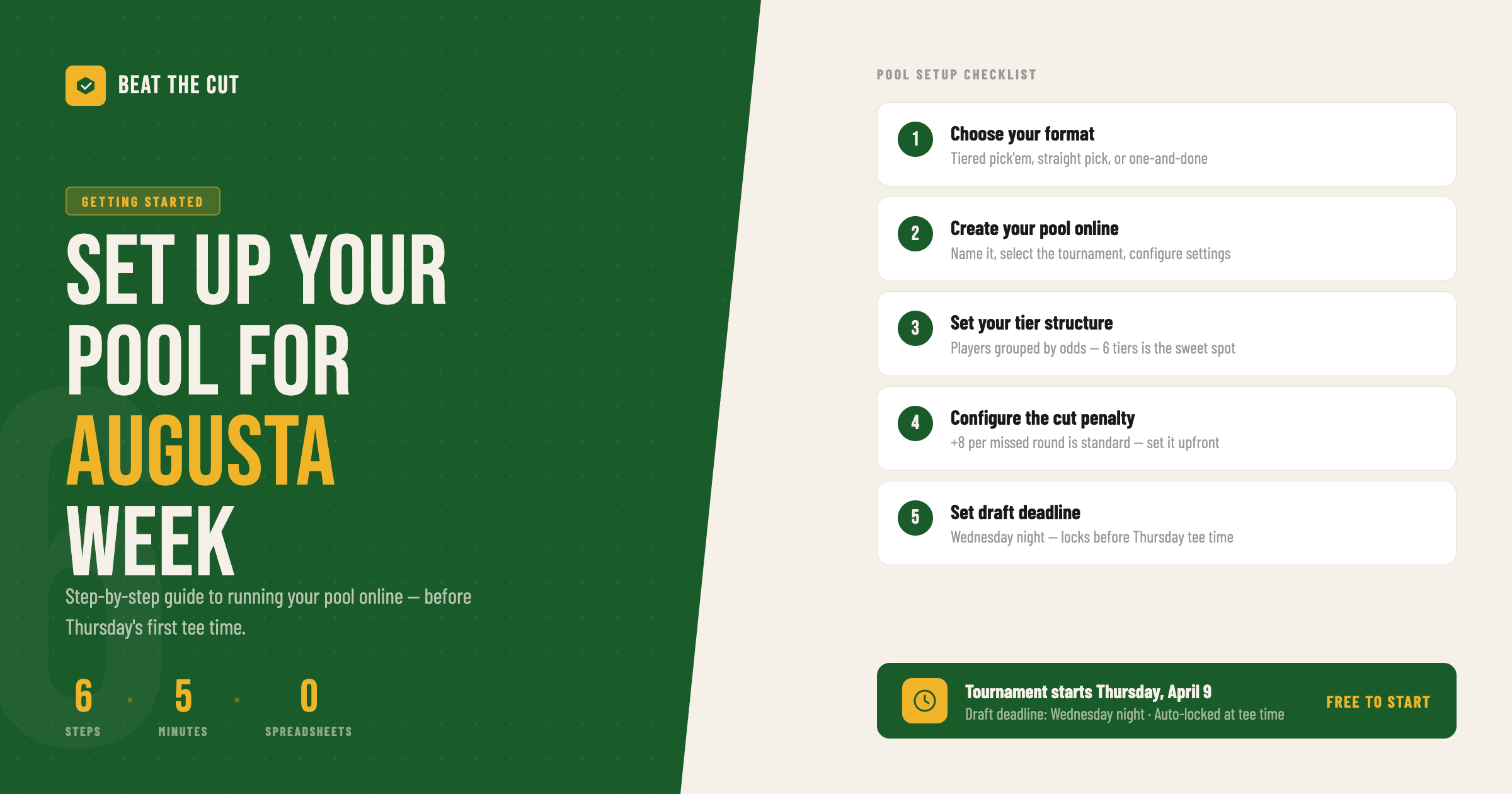
Before you invite anyone, decide how your pool will work. There are a few common formats:
Tiered pick'em (most popular). Players are divided into tiers by skill level or odds. Each participant drafts one player from each tier, giving everyone a team of golfers. The team with the best combined score at the end of Sunday wins. This format is popular because it levels the playing field — everyone gets a shot at the top players, but strategy still matters.
Straight pick. Each participant picks a set number of golfers (say, five) from the full field, without tiering. Simpler to explain, but picking the same star golfer as everyone else is less interesting.
Best of. Participants pick a certain number of players, based on tiers or any other custom configuration, and then determine how many players scores will count by the end of Sunday. Often, this is Best 4 of 6, with your 2 worst player scores being dropped.
For Augusta week, tiered pick'em is the most common and most fun format. Beat The Cut is built specifically for this.
Setting up a pool manually — via group text, spreadsheet, or email — creates a lot of ongoing work for you as the host. You have to collect picks, manually update scores throughout the week, and calculate standings on Sunday. That's four days of work when you should be watching golf.
The better option is to run it through an online platform that handles the scoring automatically.
With Beat The Cut:
That's it. From there, your members join, make their picks online, and the leaderboard updates automatically throughout the tournament.
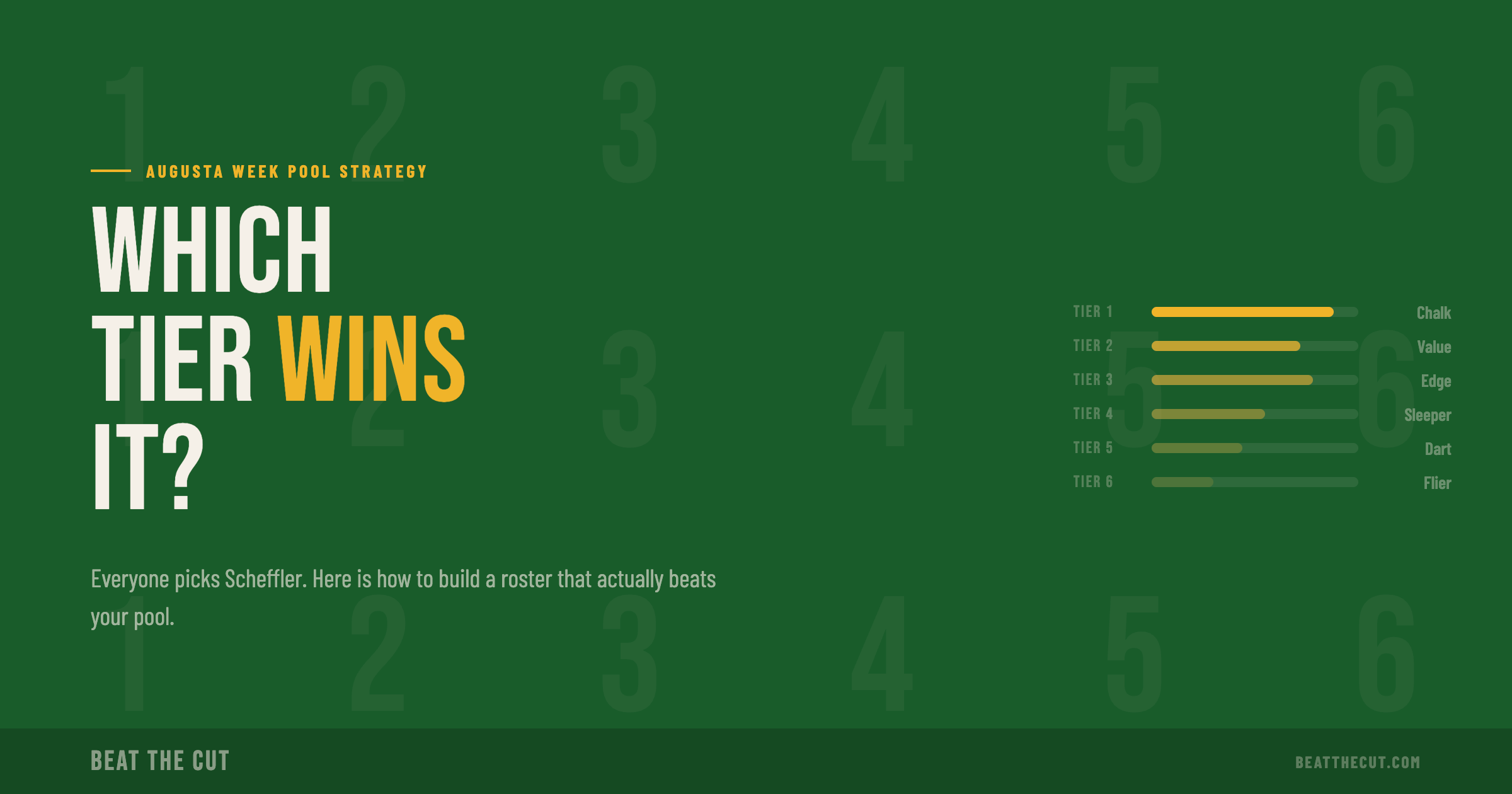
Tiers are the groups players are divided into for the draft. The most common setup for a major is six tiers of roughly equal size, organized by odds or world ranking.
Beat The Cut assigns tiers automatically based on the tournament field. You can override individual player placements if you want to make adjustments — for example, moving a player you think is undervalued into a lower tier.
A few things to think about when setting tiers:
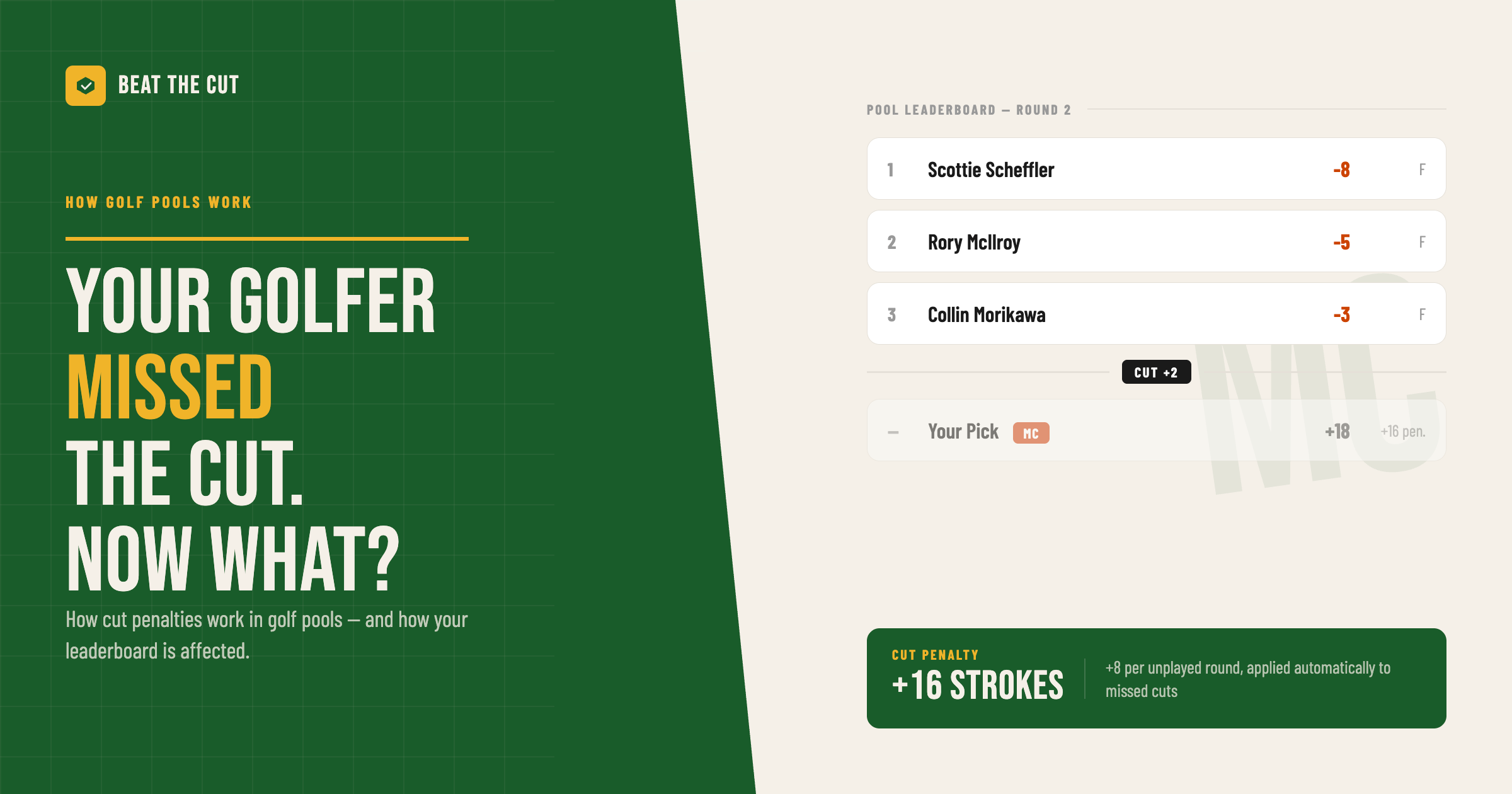
This is the setting that most new pool hosts overlook. When a player misses the cut, what score do they carry?
Common options:
There's no universally right answer. The tighter the cut penalty, the more important it becomes to pick players who will make the weekend. At Augusta week specifically, with only the top 50 and ties advancing, the cut penalty has a big impact — more players miss the cut there than at most events.
Set this before you open the draft so everyone knows the rules upfront.
Give your group enough time to make picks, but close the draft before the first tee time on Thursday morning. Once tournament play begins, picks are locked.
Beat The Cut locks the draft automatically at the configured deadline. You don't have to police it yourself.
A good rule of thumb: open the draft Monday or Tuesday, set the deadline for Wednesday night. That gives everyone 48–72 hours to make their picks with the week's form, odds, and field news in mind.
Once your pool is configured, share your invite link with your group. Members click the link, create a free account, make their picks, and they're in.
From Thursday through Sunday, Beat The Cut handles everything:
You don't have to touch a spreadsheet, send score updates, or manually calculate anything. You can actually watch the tournament.
The first major of the year runs Thursday, April 9 through Sunday, April 12.
The window to get your pool set up is tight — but it only takes about five minutes with Beat The Cut.
Start your pool now — it's free for groups of five or fewer.

Estimated read time: 6 min